
As professional women balancing a busy life, we’re constantly evaluating where our time and money are best spent. When it comes to nutrition apps, the question isn’t just about the subscription fee, it’s about whether the features actually provide enough value to justify the space they take up in your brain (and your budget).
If you are just getting started, you might be wondering: Do I need to pay for MyFitnessPal Premium to see results? Here is an honest breakdown to help you decide which version fits your current season of life.
Phase 1: The Power of the Free Version
For most people, especially those just starting their wellness journey, the Free version is more than enough. It provides the essential tools to build foundational habits:
- Core Functionality: You get access to the massive food database, calorie tracking, and the ability to log your meals.
- The “Quietly Well” Foundation: The free version is perfectly capable of helping you understand your baseline. You can still set your calorie goals, track your macronutrients (protein, fat, and carbs), and monitor your activity levels.
- Saved Meals: Yes, you can still use the “Meals” feature in the free version! You can save your favorite yogurt bowl or family-sized lasagna soup as a custom meal, which is the #1 way to save time and reduce friction in your daily workflow.
Phase 2: Why You Might Consider Premium
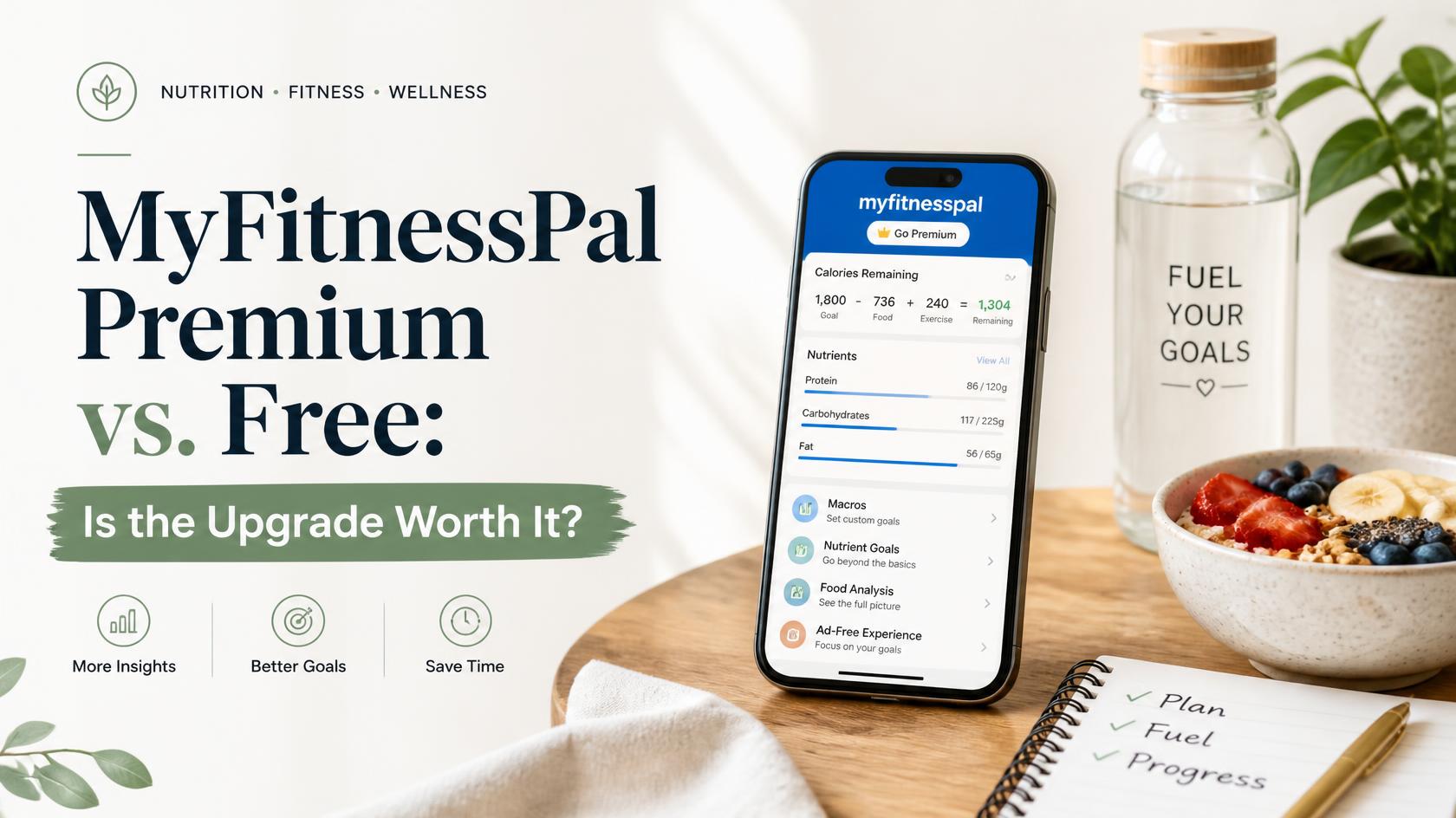
While the free version is robust, MyFitnessPal Premium offers specific features that can act as “efficiency multipliers” for a high-performance, busy lifestyle. Here is where the upgrade earns its keep:
- The Barcode Scanner: This is my personal favorite feature. Instead of manually searching for and typing in food items, you simply scan the barcode. It provides an exact match for the nutrition label, which significantly speeds up your logging process and removes the guesswork.
- Guided Workout Routines: If you are trying to implement new routines and feel overwhelmed by where to start, Premium offers structured workout plans. This removes the “what should I do today?” mental load, allowing you to focus entirely on your movement.
- Macronutrient Breakdown: While the free version shows your macros, Premium allows for deeper insights, including detailed breakdowns by gram. This is incredibly helpful if you are working with a professional and need to be precise about hitting specific protein targets for muscle recovery.
- Ad-Free Experience: For the busy professional, removing ads is a small but meaningful upgrade that creates a smoother, faster, and more focused user experience.
Phase 3: The “Quietly Well” Verdict
So, should you pull the trigger on the upgrade?
- Stay Free If: You are just beginning, you have a solid grasp of your preferred foods, and you are happy with the manual search process. The free version has everything you need to learn about your body’s fueling requirements.
- Upgrade If: Your time is your most valuable asset. If the convenience of the barcode scanner will save you 10–15 minutes a day, or if having guided workouts will provide the consistency you need to actually stick to a fitness habit, the return on investment is absolutely there.
My advice? Start with the free version for 30 days to build the habit. If you find yourself consistently logging and realize that the manual entry is becoming a bottleneck, or that you need more structure in your workouts, then move to Premium.
Ready to start? Now that you’ve decided on your account type, head back to The Ultimate Beginner’s Guide to MyFitnessPal to finish your setup and get to work!