
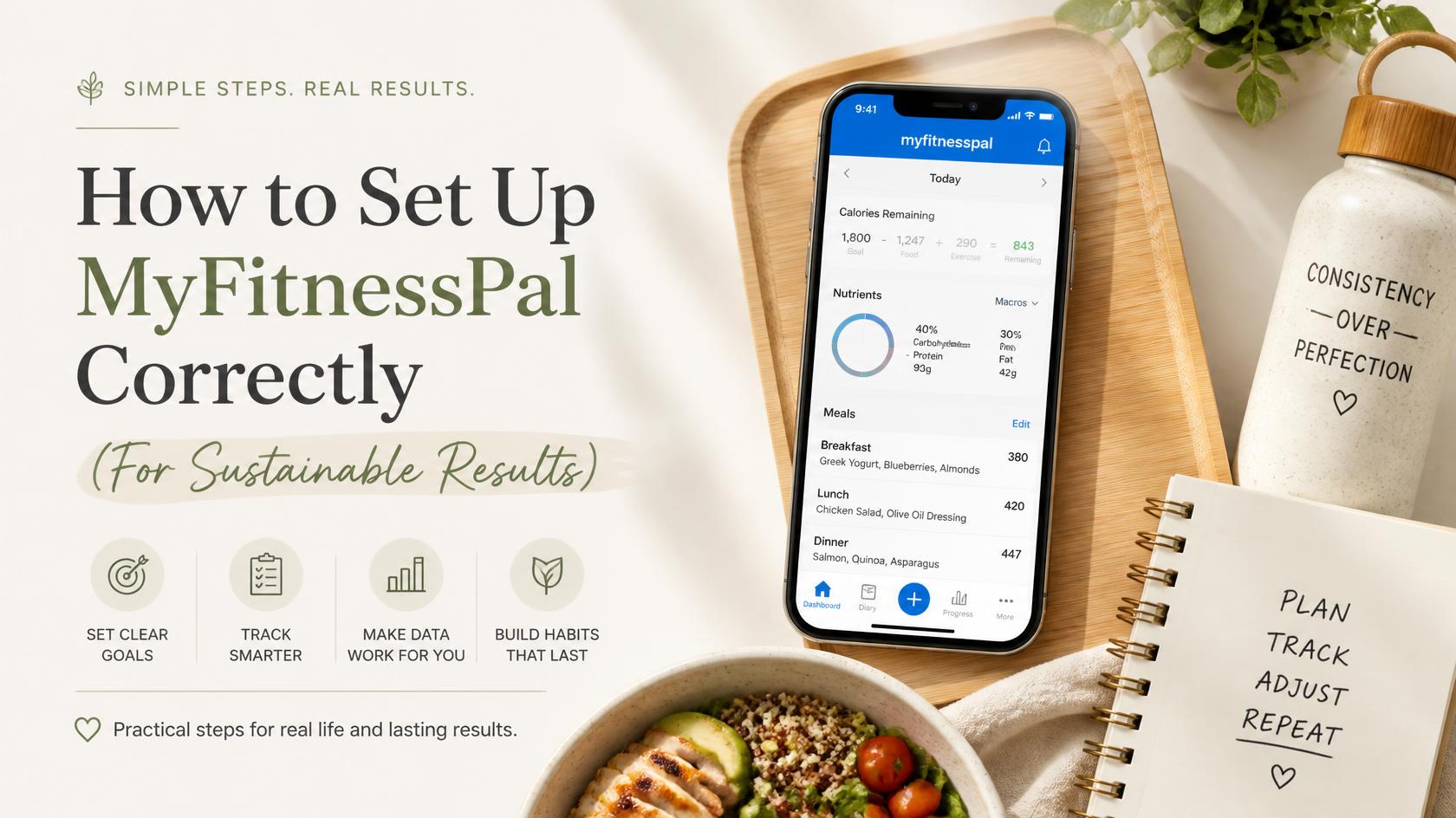
When you’re balancing a corporate career, home life, and fitness, you don’t have time to waste on apps that don’t work for you. Many people download MyFitnessPal (MFP), plug in random numbers, and feel frustrated when their progress stalls.
The secret isn’t just “tracking”; it’s calibration. You aren’t setting this up to restrict yourself; you are setting it up to provide a reliable data baseline that helps you understand your body’s unique needs. Follow this 10-minute setup guide to ensure your data is actually useful.
Phase 1: The Account Basics
When you first download the app, you’ll be prompted to enter your age, weight, height, and gender.
- Be Honest: These inputs are the foundation of your calorie targets. If the data is off, the recommendations will be, too.
- The Goal: MFP will ask for your target weight and desired weight-loss rate. Aiming for a steady pace (0.5 to 1 lb per week) is generally more sustainable for busy professionals than aggressive, rapid weight loss.
Phase 2: The Setup Workflow (Activity Level)
The most common mistake beginners make is overestimating their activity level.
- Choose Conservatively: Activity levels should represent your “normal” daily movement outside of intentional workouts.
- Sedentary: Most of your day is spent sitting (e.g., a desk job).
- Lightly Active: You spend a good portion of the day on your feet (e.g., a teacher or salesperson).
- The “Pro” Rule: If you sit at a desk all day but hit the gym 3-4 times a week, start with “Sedentary” or “Lightly Active”. It is far better to start lower and adjust upward after two weeks of testing than to start too high and see no results.
Phase 3: Customizing for Your Lifestyle
Once your account is set up, you can tailor the app to your specific preferences.
- Macro Goals: You can navigate to the “Goals” tab to adjust your calories and macro ratios (carbs, protein, and fat). If you are following a specific plan from your doctor or registered dietitian, this is where you input those exact targets.
- Integrating Tech: If you use a fitness tracker (like an Apple Watch, Garmin, or Fitbit), link it in the app settings. This allows your daily movement to be accounted for automatically, providing a clearer picture of your energy expenditure.
Phase 4: Calibration (The 2-Week Test)
MFP is a calculator, not a crystal ball. It offers a “best guess” based on averages.
- Test for 14 Days: Stick to your settings for two weeks.
- Observe: If you are losing weight steadily and feeling energized, keep the current settings.
- Adjust: If you aren’t seeing the results you expected, tweak your activity level or calorie goal slightly.
A Final Note on Expert Guidance:
While these settings provide a great starting point, they are generic calculations. For precise, personalized dietary advice that considers your medical history or specific fitness goals, it is always best to consult with a doctor or a registered dietitian.
Ready to start logging? Now that your baseline is set, learn how to decide between the free and premium versions as you get started in my guide: MyFitnessPal Premium vs. Free.
Looking for more tips, check out The Ultimate Beginner’s Guide to MyFitnessPal