
If you’ve been following along with my tracking series, you already know that hitting your goals isn’t about perfection, and it certainly isn’t about food guilt. It’s entirely about awareness.
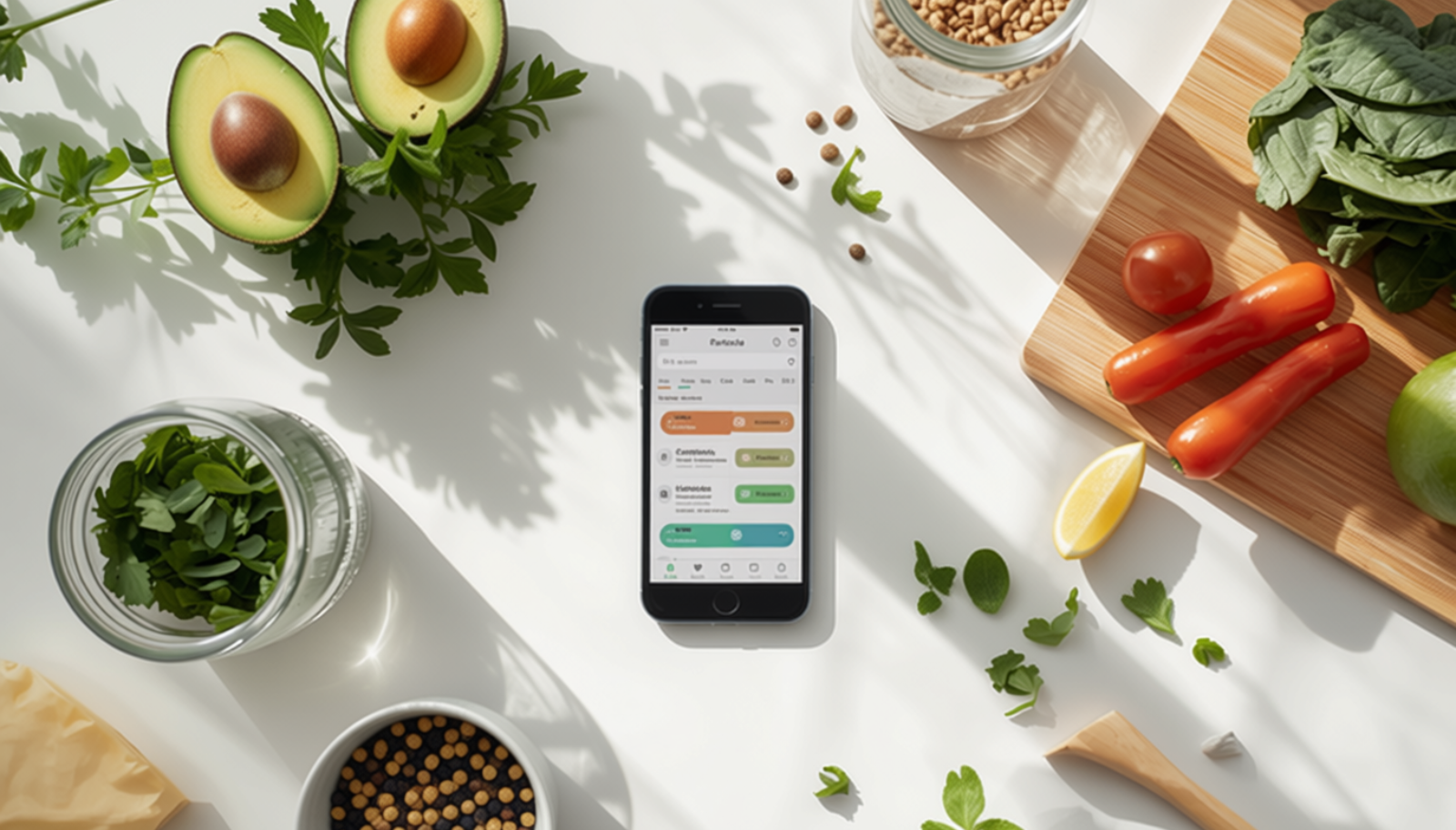
But once you get into the consistent groove of logging your meals, a funny thing happens. You stop looking at your app as a tool designed just to “restrict” your life, and you start seeing it for what it truly is: a dashboard for your physical energy.
For a long time, I only looked at that big, flashing calorie number at the top of my screen. If I stayed under it, I thought I was winning. But on some days, even though my total numbers were perfectly on track, I felt completely exhausted, sluggish, and let’s be honest, incredibly hangry.
That’s when I realized I needed to stop focusing entirely on eating less. I needed to learn how to track nutrition on MyFitnessPal to fuel my daily life and my favorite ways to move.
If you are ready to move past the rigid basics and discover how to use MyFitnessPal for energy, here are the two hidden features you need to start checking today.
1. The “Nutrients” Tab (Your Secret Weapon Against Hunger)
If you scroll all the way to the bottom of your daily diary page and tap the Nutrition button, you can click over to the MyFitnessPal nutrients tab. This is where the real wellness magic happens.
Instead of just showing you a generic caloric ceiling, this screen breaks down your macros and your daily micronutrients. These are the nutrition tracking tips I share with everyone: there are two specific numbers I look at every single afternoon to make sure my body is genuinely thriving.
- Protein: If you find yourself constantly craving quick sugar fixes or feeling like your stomach is a bottomless pit by 3:00 PM, check your protein intake. Protein is the ultimate satiety macro. Making sure I hit my target is what keeps me full, supports my muscle recovery after a workout, and keeps those mid-afternoon cravings at bay.
- Fiber: Whole-food living is a massive priority in my household, and tracking fiber is the ultimate indicator of how many whole foods you’re actually putting on your plate. Fiber supports gut health, keeps your digestion running smoothly, and stabilizes your blood sugar so you don’t experience those brutal midday crashes.
2. Fueling for Function (Eating to Match Your Movement)
Our nutritional needs naturally change based on what our day looks like. On a slow Sunday spent relaxing at home, my body needs different fuel than on a crisp morning when I’m clipping into my pedals for a 40-mile road cycling workout.
When you learn how to increase energy with food, you begin to understand how to adjust your macros for active lifestyle needs:
- Pre-Workout Fuel: Before a big, active day, I use the app to ensure I’m getting enough high-quality, complex carbohydrates. Carbs are your body’s preferred, most efficient source of fuel. Giving your system the right complex carbs beforehand means you can power through your mileage or movement without feeling heavy or depleted.
- Post-Workout Recovery: After a strenuous workout, your muscles act like sponges looking for clean nutrients to rebuild. Checking your app to ensure you’re pairing a clean protein with a carbohydrate after a sweat session ensures you actually bounce back quickly instead of feeling sore and exhausted for the next two days.
Danielle’s Take: Why Consistency Beats Perfection
I’ve tried a lot of nutrition advice over the years, and one thing I’ve learned is that consistency beats perfection every single time. I still enjoy dessert. I still eat out with friends. The difference is that I understand how those choices fit into the bigger picture instead of feeling guilty about them.
Shifting your mindset from “How little can I eat?” to “How well can I fuel my body?” turns tracking into an act of genuine self-care. It ceases to be a restriction and becomes a blueprint for giving your body exactly what it needs to live a vibrant, active, and fully present life. Don’t worry about hitting every single micronutrient perfectly every day—just focus on the big pieces that make you feel alive.
The Quick Skim Takeaway
Don’t get stuck just staring at your total calorie number. Tap into the MyFitnessPal nutrients tab to monitor your protein and fiber intake to instantly boost your energy and crush cravings. Learning how to track nutrition on MyFitnessPal allows you to customize your macros for active lifestyle demands, matching your food to your daily movement so you never feel depleted.